
Tags
apple, Fido, iOS, iPhone, mobile Internet, Rogers, smartphone
If you’re having trouble with tethering and Personal Hotspot with your iPhone, don’t forget to check with your carrier.
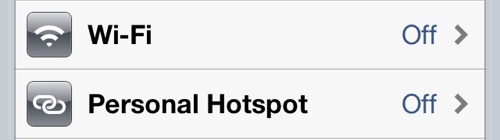
I noticed recently that my iPhone was no longer passing data to my devices with the Personal Hotspot function turned on.
I am subscribed to a data plan that allows for such activity and this function performed normally until the last few weeks.
After doing some online research, I tried some of the suggested tricks, including a network setting reset, to no avail.
At this point, I figured it was worth a call to Fido customer service.
The first agent confirmed to me I had a data plan that supports tethering and Personal Hotspot. He suggested there was some kind of firmware/software problem with my phone. He told me to check my OS version and to do a hard reboot of my phone before hanging up.
I was skeptical but I tried anyway. It turns out my apprehension was correct, as this did nothing to fix my problem.
I made another call to customer service. This time, I asked for the agent to make sure tethering was actually activated on my account. Lo and behold … it was not, although it should have been. The agent cheerfully rearranged my account details and voila! Tethering and Personal Hotspot were back in business.
 Ricky Leong