
Tags
Over the last year, I’ve taken several trips on which my trusty laptop computer stayed at home while an iPad accompanied me on my journey instead.
Although I successfully wrote innumerable e-mails, dozens of blog posting and several newspaper columns on my travels, I sometimes missed having a physical keyboard.
In comes the Logitech Ultrathin Keyboard Cover.
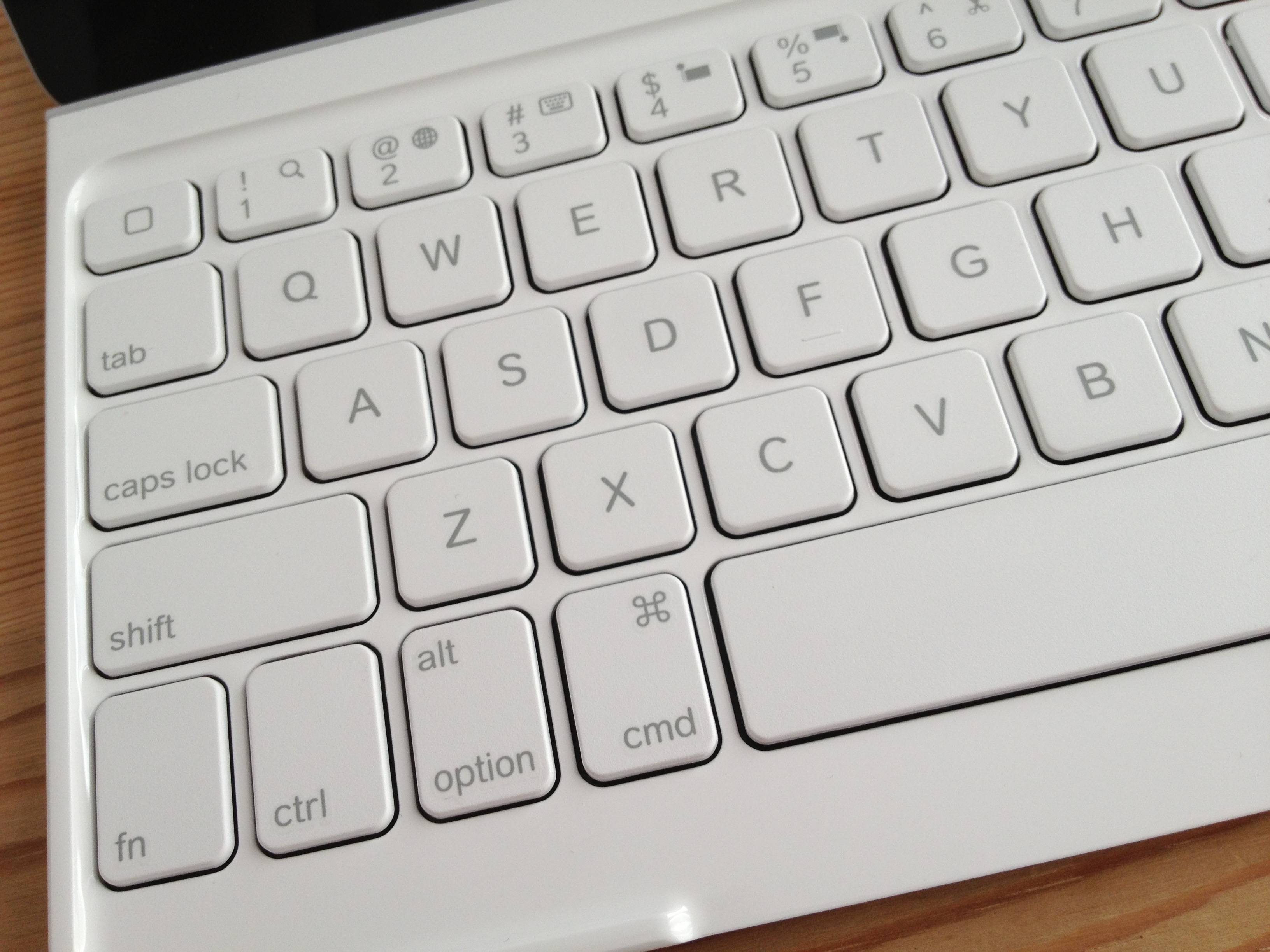
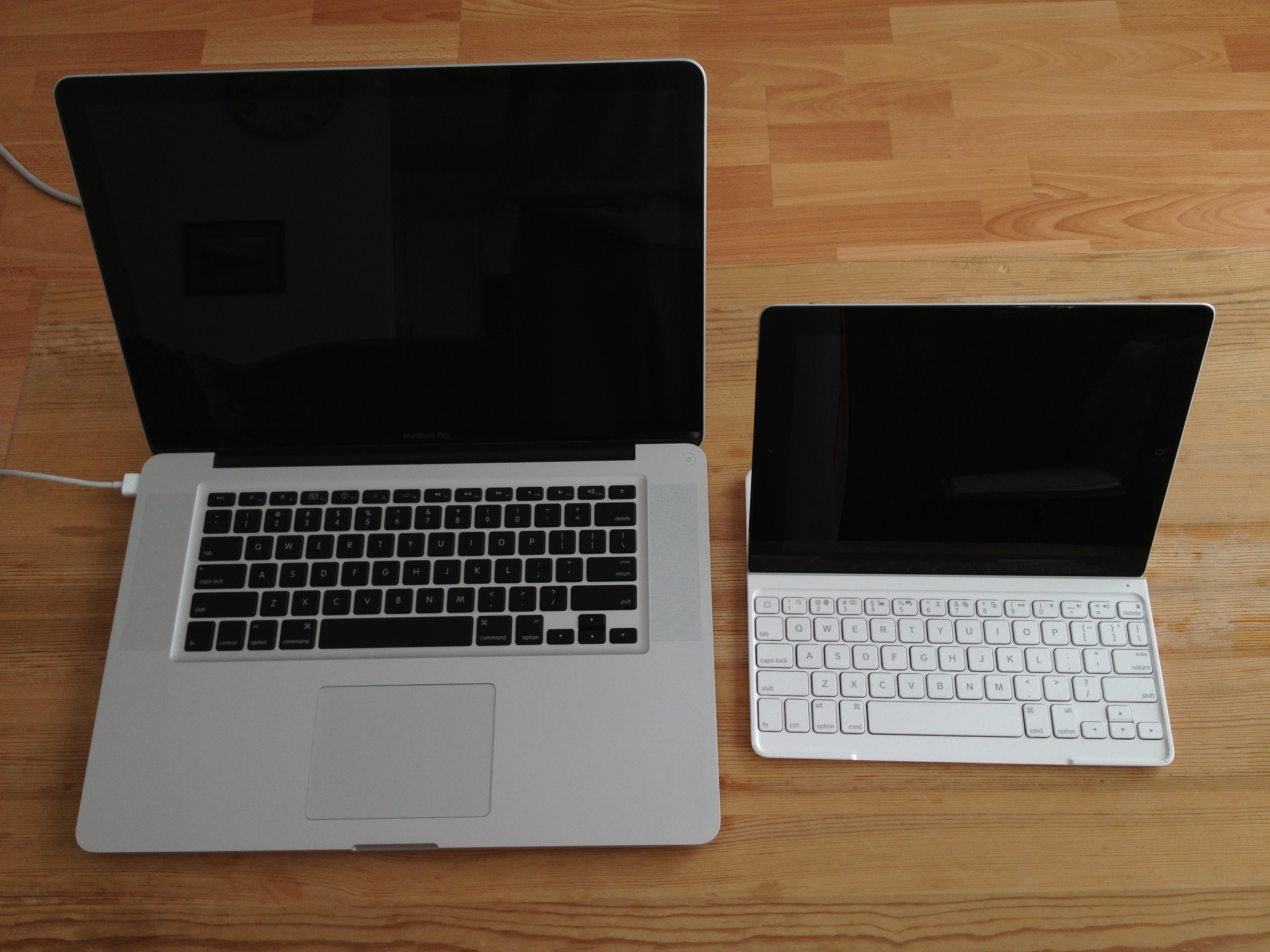
It’s not a full-sized keyboard, so it might take a minute or two to get used to the spacing between keys.
Where an ‘esc’ key would be on a normal keyboard, there is an extra home button. It behaves like its physical equivalent.
A ‘fn’ key gives you access to several useful functions: Search, language switching, selecting/cutting/copying/pasting, play/pause, mute, volume and iPad lock/unlock.
And happily, if you’re also a Mac user, all the usual keyboard shortcuts work as you’d expect — shift/option/cmd combos to move around and select text, cmd+C to copy, cmd+V to paste, option+shift+hyphen for an em-dash, option+8 for a bullet … everything exactly as it should work.
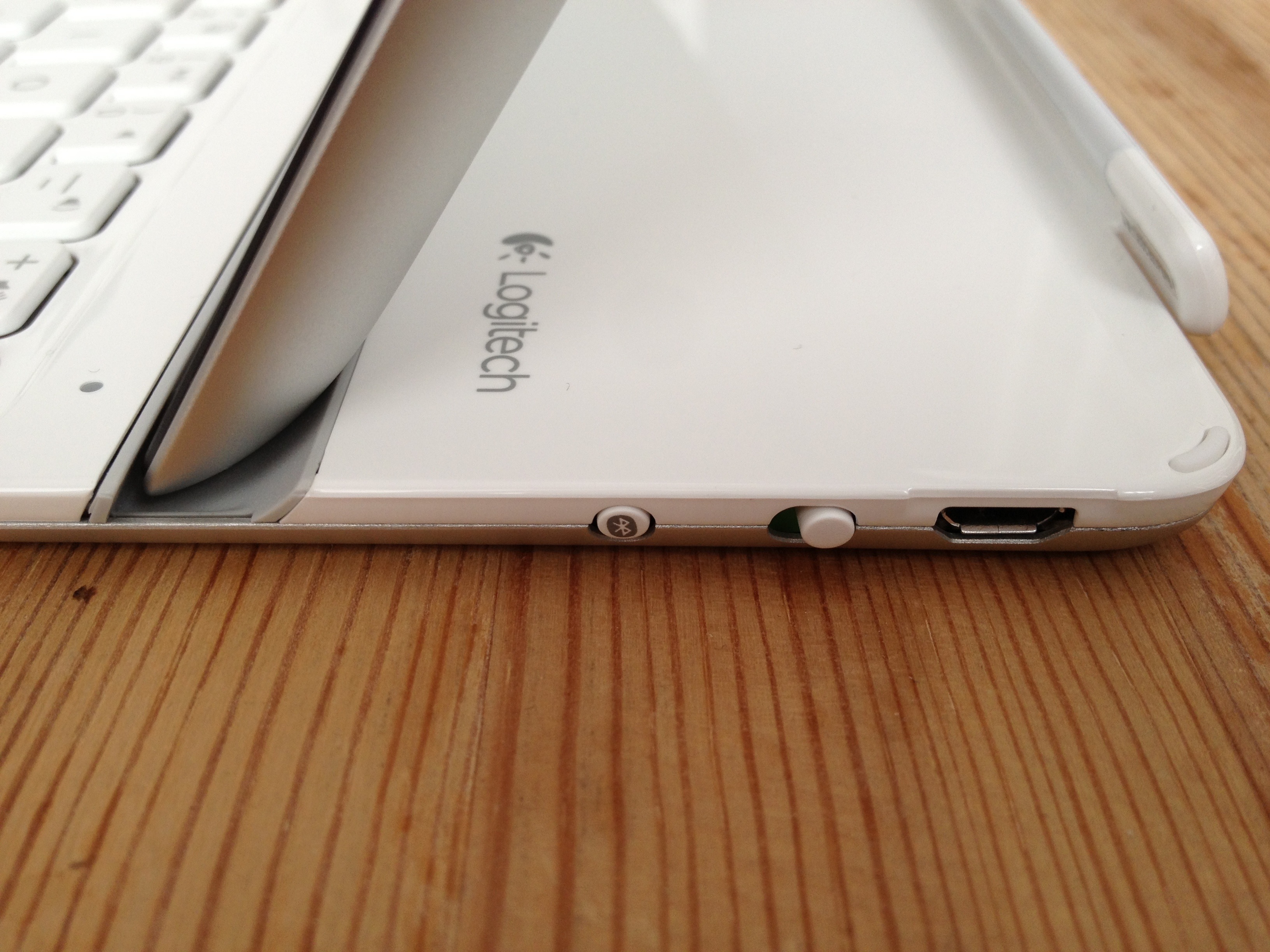
Physically speaking, the keyboard is light. The iPad feels secure when inserted into the provided groove. The keyboard also stays attached if you lift the combo off your lap/desk/work surface.
The keys themselves feel good, resembling what you’d expect from Apple’s own low-profile soft-touch keyboards.
The initial Bluetooth pairing between the keyboard and the iPad was a dream.
Charging to full took a couple of hours; the manual claims the keyboard will hold its charge for as long as six months for light daily duty.
As much as I have many nice things to say about this device, I’m not yet convinced about the keyboard’s function as a cover, mainly because the side magnet is not as sturdy as the one on Apple’s own Smart Cover.
The thing works great when it’s closed. There are little rubber feet in the cover to separate it from the screen. It doesn’t attach magnetically as a Smart Cover would but if you slide the iPad and cover into a sleeve or a laptop bag, there should be no trouble.
Trouble does come once it’s open. The cover is heavy enough that it will detach from the iPad if you don’t provide any support. And forget about flipping the cover over and under, as you would with a standard Smart Cover. It will come right off.
My biggest gripe: The provided USB/power cable for charging is ridiculously short — only 38 cm/15 inches long. It might make things tricky when replenishing the keyboard’s rechargeable battery.
In short, the Logitech Ultrathin Keyboard Cover turns iPad into something resembling a touchscreen laptop computer.
The concept of touching the screen *and* typing to interact with my device was odd at first, but I’m getting accustomed to it.
(For what it’s worth, this review was written using the keyboard, in separate writing sessions spread out over several weeks. Things went quite well.)
There will be times when a travelling with a full-fledged mobile computer will be called for. But for those occasions where the iPad is sufficient, the Logitech keyboard cover (or a similar device) should make typing that much easier and enjoyable.
 Ricky Leong