Winning strategy
27 Wednesday Feb 2013
Posted in Alberta, Apple, art, Calgary, Canada, photography, photowalking, random, urban
27 Wednesday Feb 2013
Posted in Alberta, Apple, art, Calgary, Canada, photography, photowalking, random, urban
21 Thursday Feb 2013
Posted in Apple, Flickr, photography, technology
Tags
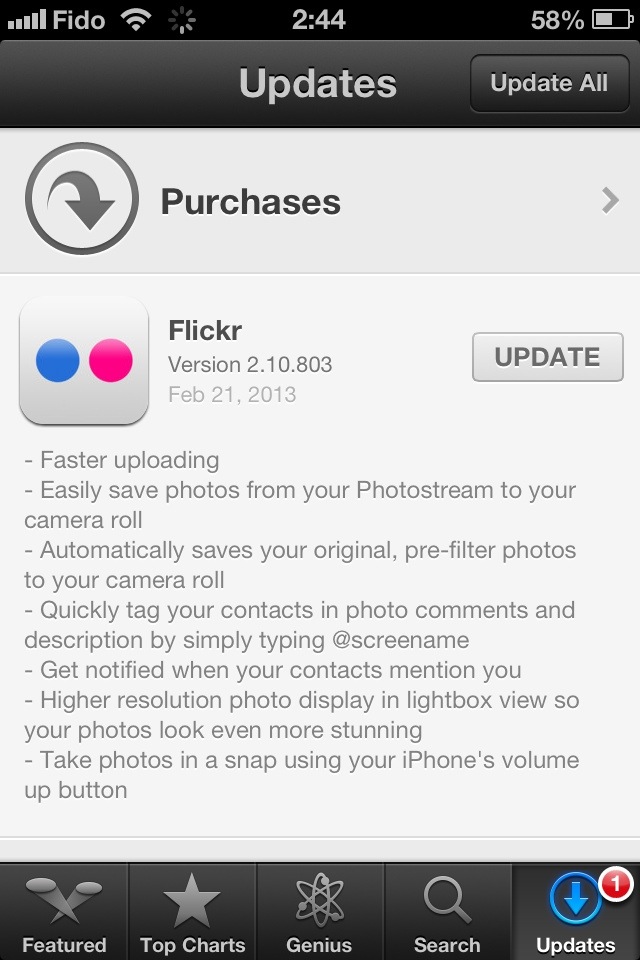
What many of us have been waiting for. See for yourself!
UPDATE WITH LIGHTNING REVIEW: After a few minutes of quick use, I have found the following.
1) The uploading is much quicker, as advertised.
2) You still can’t upload video, a feature many users requested.
3) There is indeed a “Save photo” button that appears — but only valid for your own pictures.
4) The IPTC data reading is still broken. Keywords in IPTC fields still don’t show as tags. Not only that, it’s actually worse now. See the following two screengrabs. While the photo title and caption appear correctly inside the new Flickr app, they do not show properly on the Flickr website. How weird is that?
I’ve removed that image from my Flickr feed until I can figure out if it’s a bug or if I’ve done something wrong.
FURTHER UPDATE: My latest batch of photos had their titles and captions properly published. IPTC tags are still broken, however.
01 Friday Feb 2013
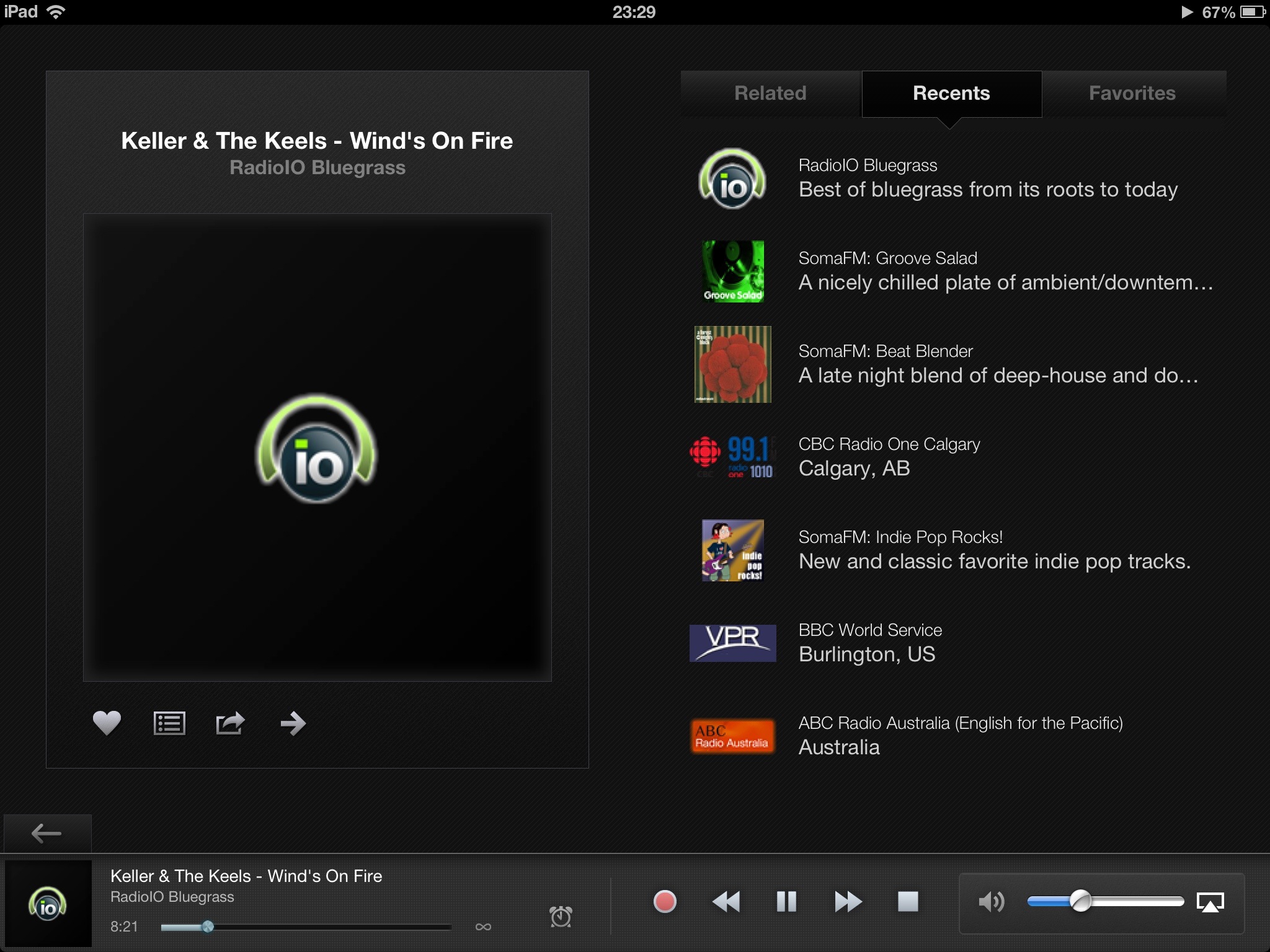
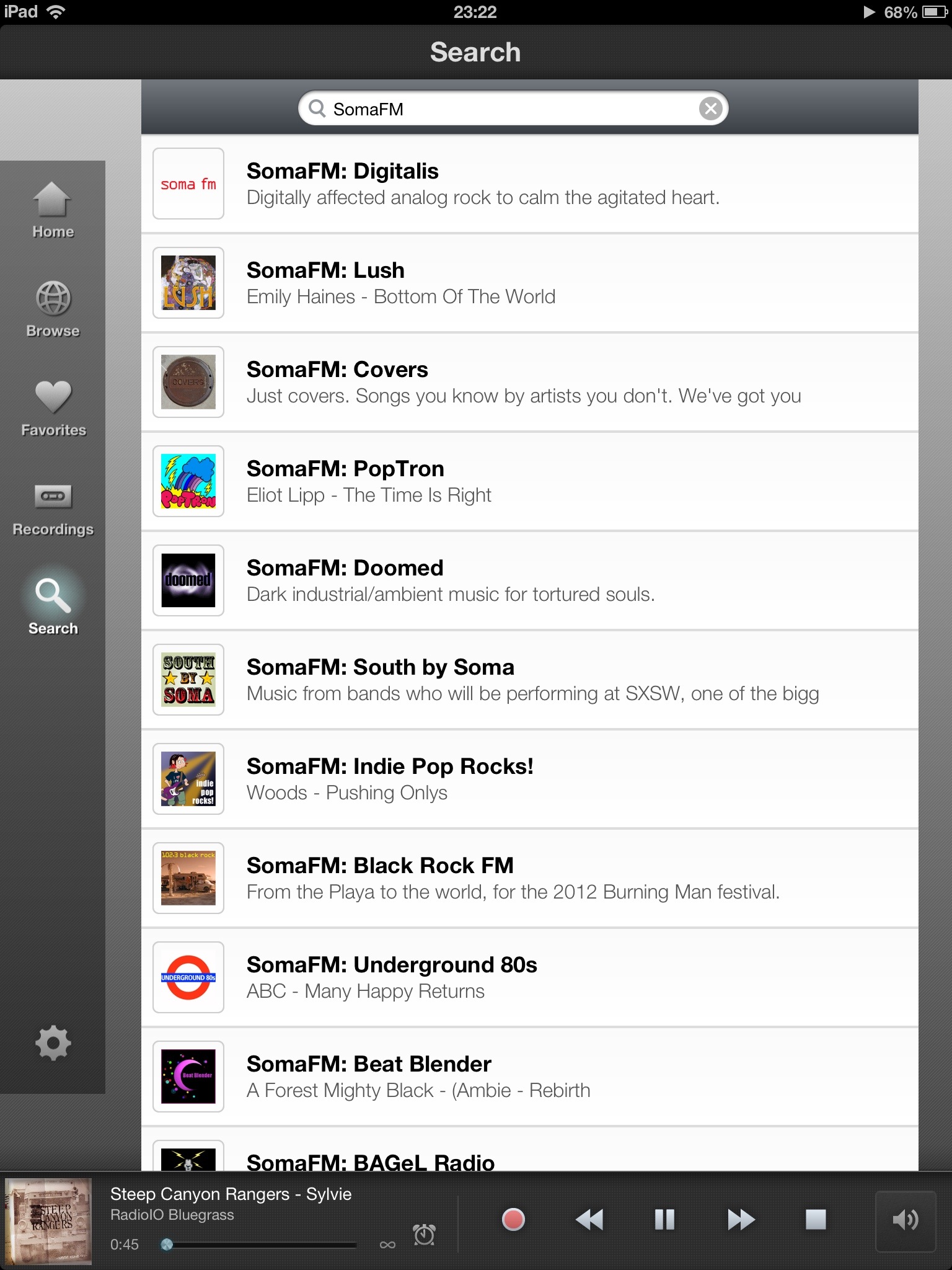
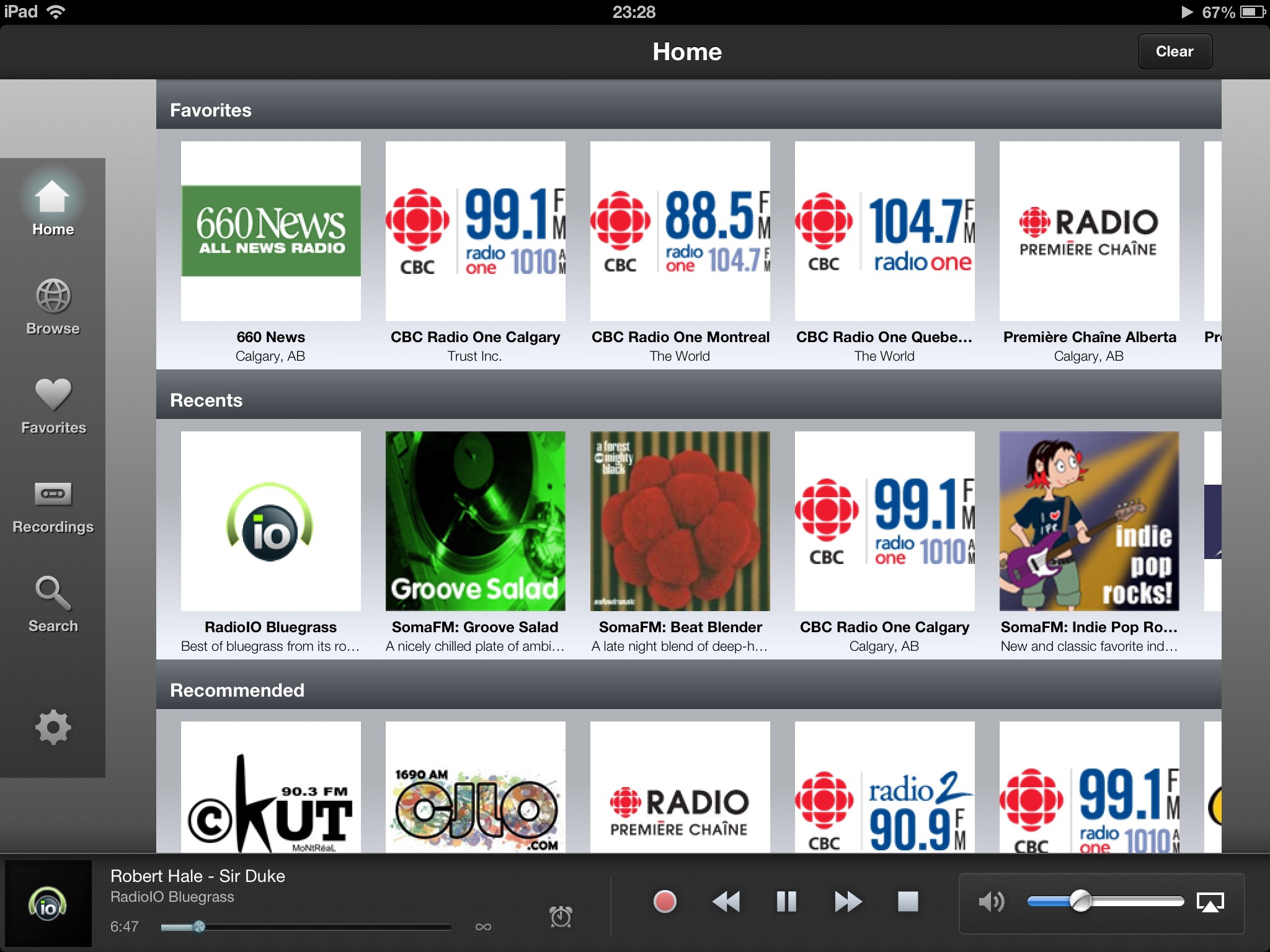
I’m a little late to the party with this review of the latest version of TuneIn Radio, which was rolled out shortly before Christmas.
You see: I mainly use TuneIn on my smartphone while commuting or travelling and so didn’t notice the massive redo of the interface on the tablet version until the last few hours.
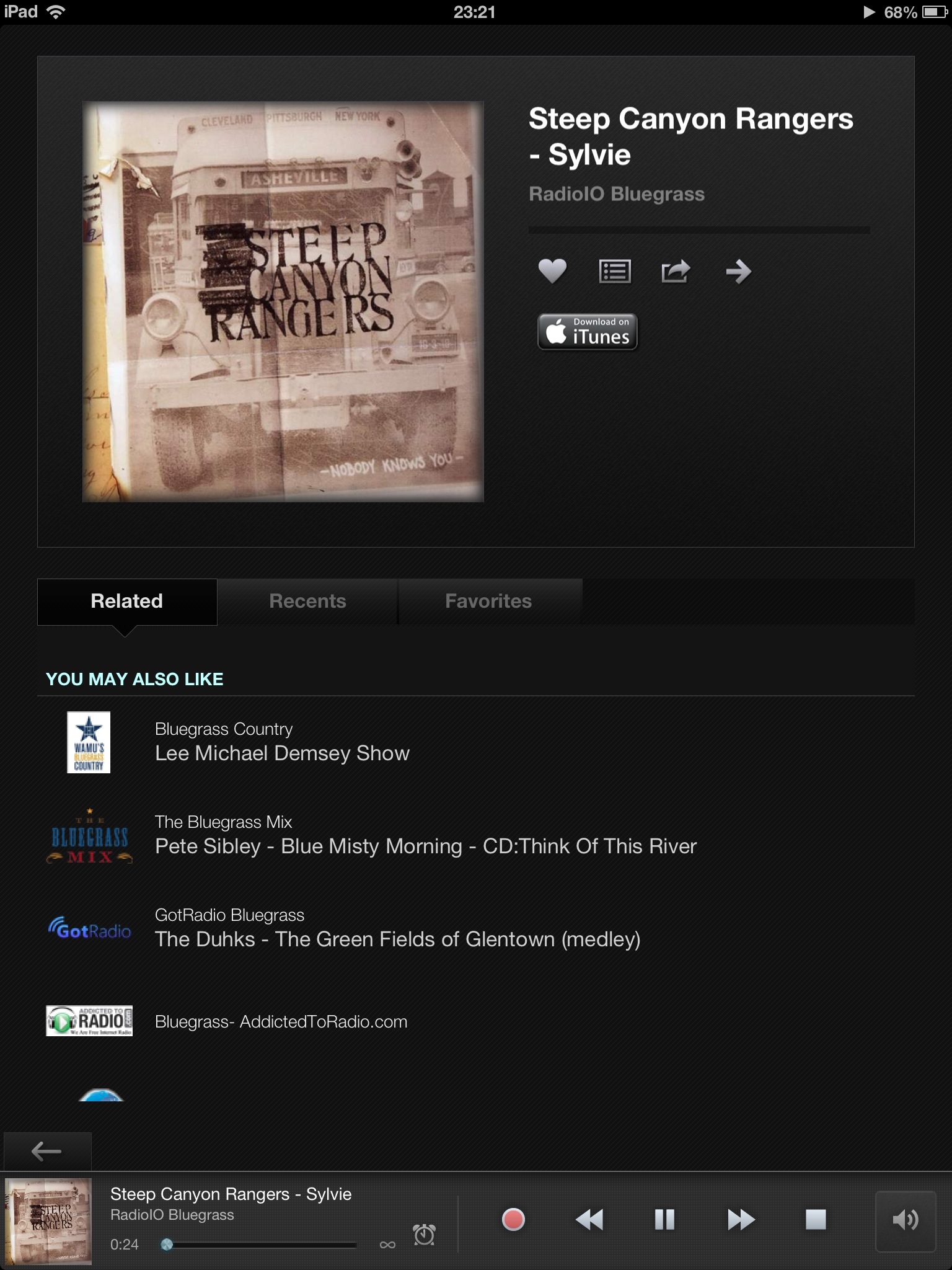
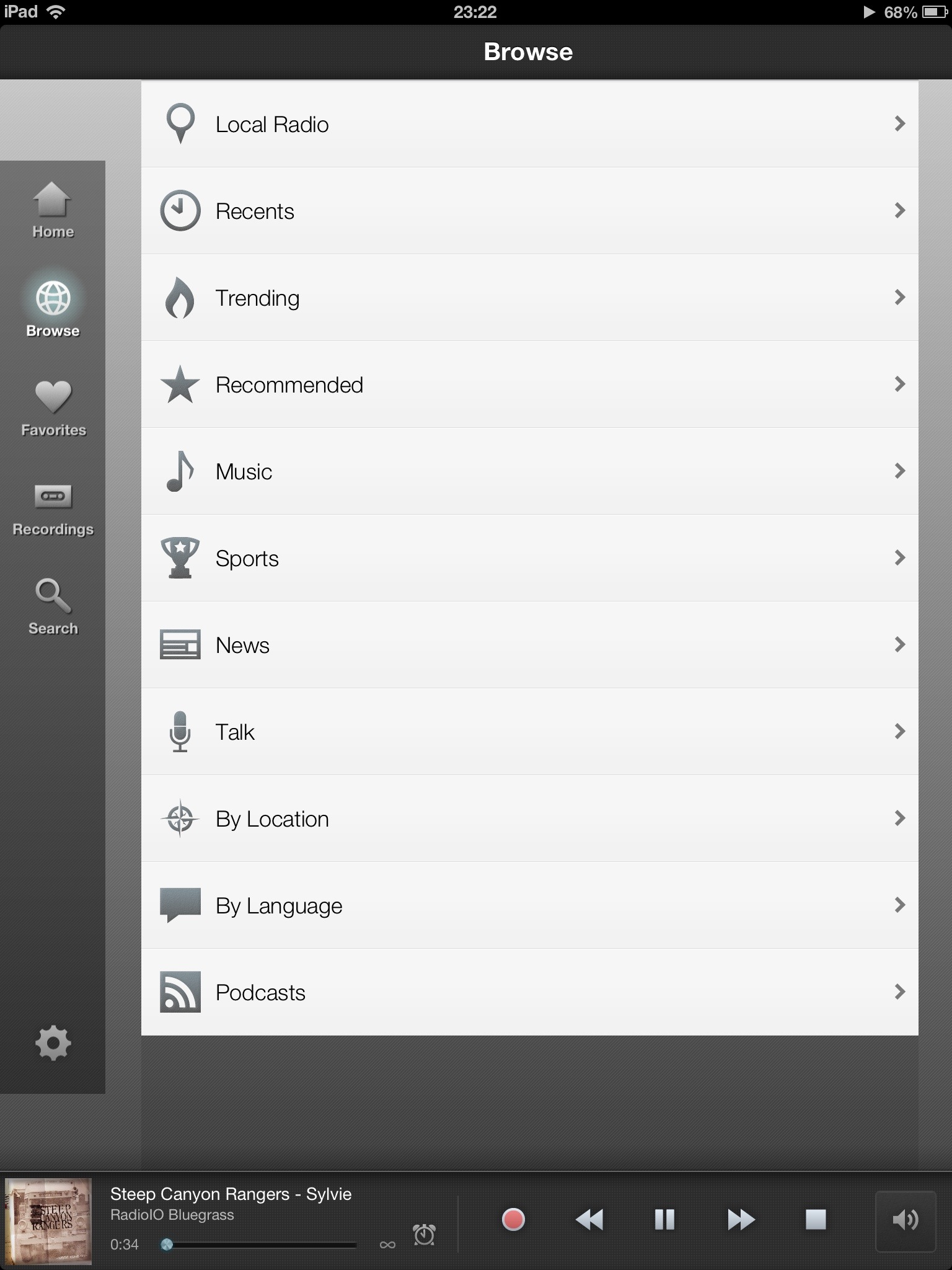
The general look of the app is more polished than in the last iPad version and it doesn’t result in any apparent loss of features.
Although some of the logos and fonts got a refresh, features (especially quick access to recent, related, favourites) introduced in 2012 remain.
There’s handy access to the timer/recording function right in the player and a new button from the station info screen (at least I haven’t noticed it before) to navigate streams forward. Oddly, there is no ‘last stream’ button, just a ‘back’ button that takes you back to the main interface.
The only thing I wish the iPad version of the app could do, is to allow users to swipe across any station to immediately choose which sub-stream to invoke. (Many channels offer streams of varying bandwidths to suit your requirements.)
The app remains a very enjoyable way to enjoy streaming talk radio and music, despite its handful of flaws.
All in all, a great effort to refine an already great app.
23 Wednesday Jan 2013
Posted in Apple, technology
Tags
apple, battery, iOS, iPhone, iPhone 4S, smartphone, tech, technology
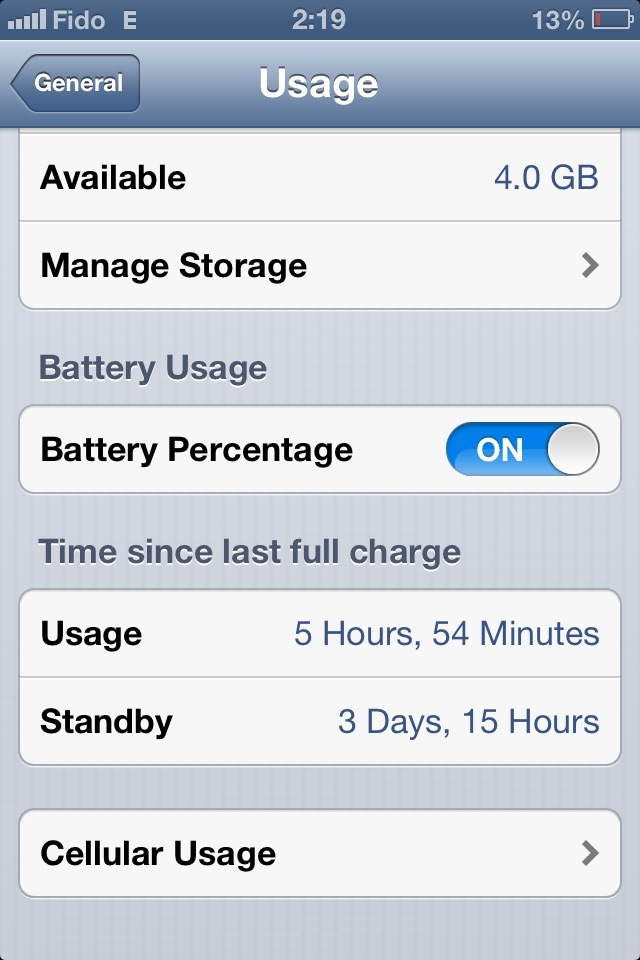
Another follow-up message relating to a favourite topic of mine: The battery life of my Apple iPhone 4S.
Lately, I’ve been able to go three to four work days between charges.
• Minimal phone calls, light web browsing using Opera with data compression, moderate texting and manual e-mail fetching.
• Not too much photography, some use of social media apps, no web-streaming audio.
• Wi-Fi and Bluetooth only when necessary.
• Mobile Internet operating on EDGE/2G.
• Screen brightness on manual, set to about 20%.
• Most app notifications deactivated.
I know that’s not the ideal setup for everyone … but I thought it would be interesting to share this information anyway, in case this happens to fit your own mobile phone usage habits.
(Heck, this isn’t always my usage pattern … just what’s been “normal” of late.)
01 Tuesday Jan 2013
Posted in Flickr, iPad, iPhone, photography, technology
Tags
flickr, iOS, iPad, iPhone, iPhoneography, photography, technology
You may recall my review of Flickr’s latest app for iPhone.
After using the app for a couple of weeks, I’m still relatively satisfied with it save for one major, annoying flaw.
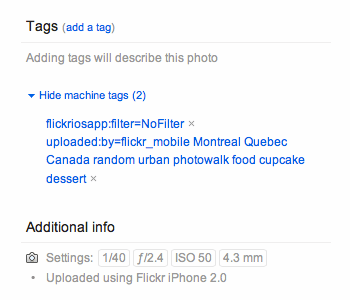
It appears the app doesn’t handle IPTC keywords very well. The old Flickr app used to read the field and convert its values to tags. But now, those values fill a field called “machine tags” and don’t generate any normal tags at all.
For example, this result …

… came from uploading this photo.

I’ve left a message in the Flickr for iPhone group but have yet to hear back from anyone about a fix. Here’s to hoping this gets solved soon!
12 Wednesday Dec 2012
Posted in Flickr, Internet, iPhone, photography, technology
Tags
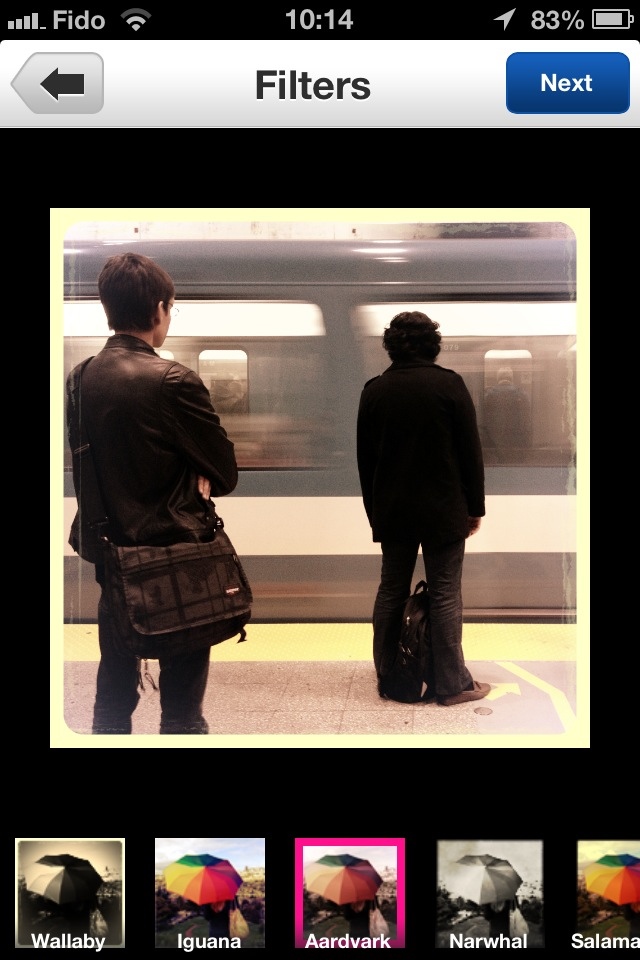
This image of the Montreal metro comes to you in part thanks to the newest Flickr app for iPhone.
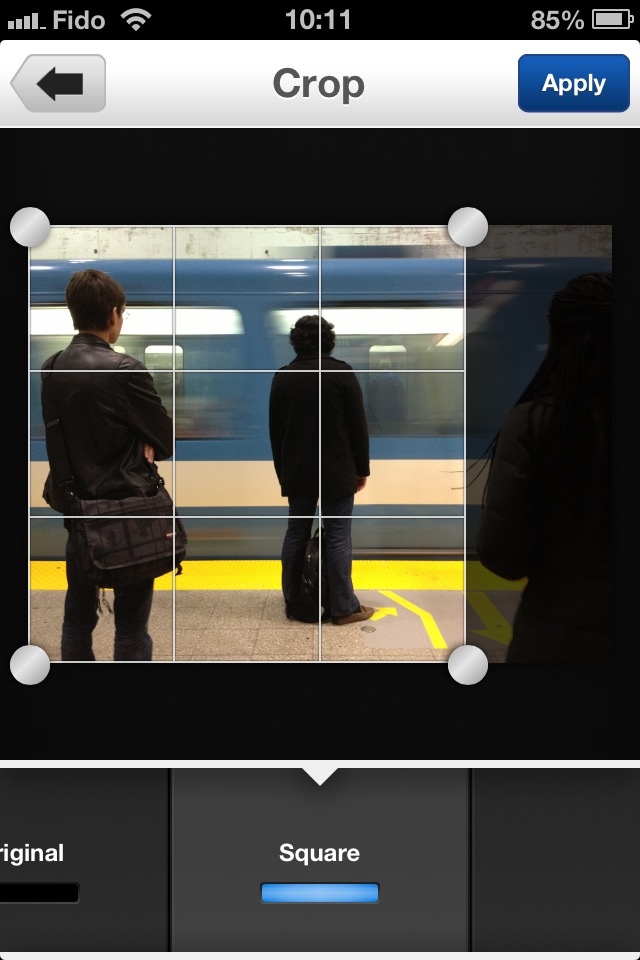
The latest renewal to Flickr’s iPhone app is truly stunning. Not only is there a new interface for your enjoyment but the app gives you more access to your Flickr account than the old (now comparatively anemic) version. There are also new integrated tools to make minor edits to your images. Here are a few screenshots for your enjoyment:
See your contacts:

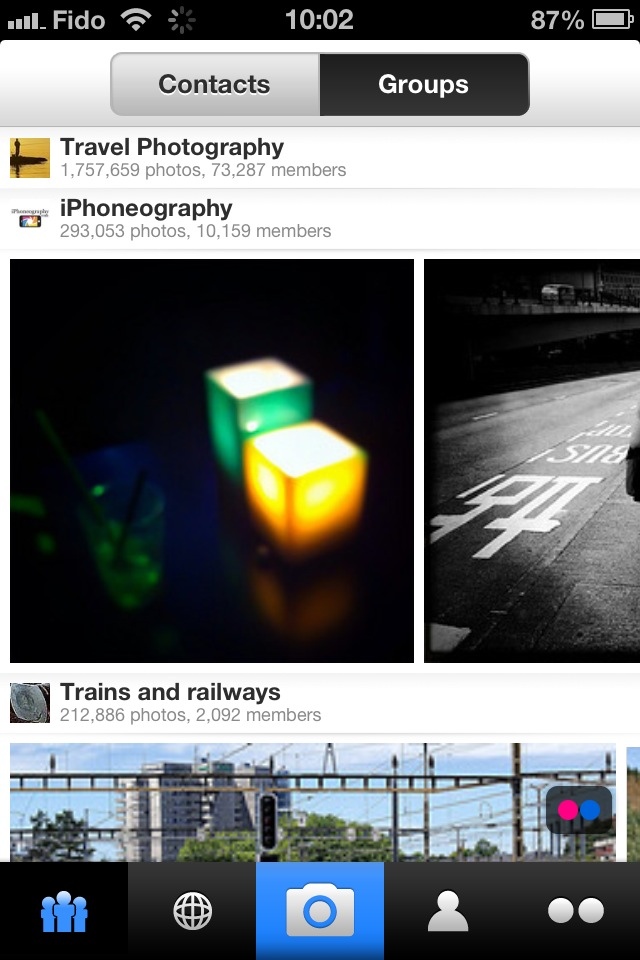
Browse your groups:
Check out photo details:
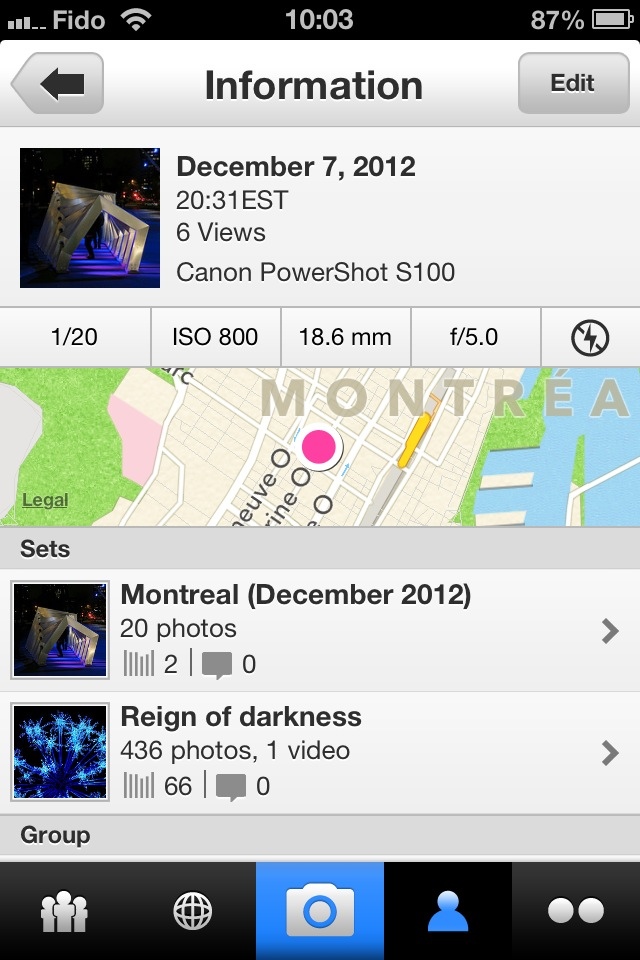
Edit details for your own photos:
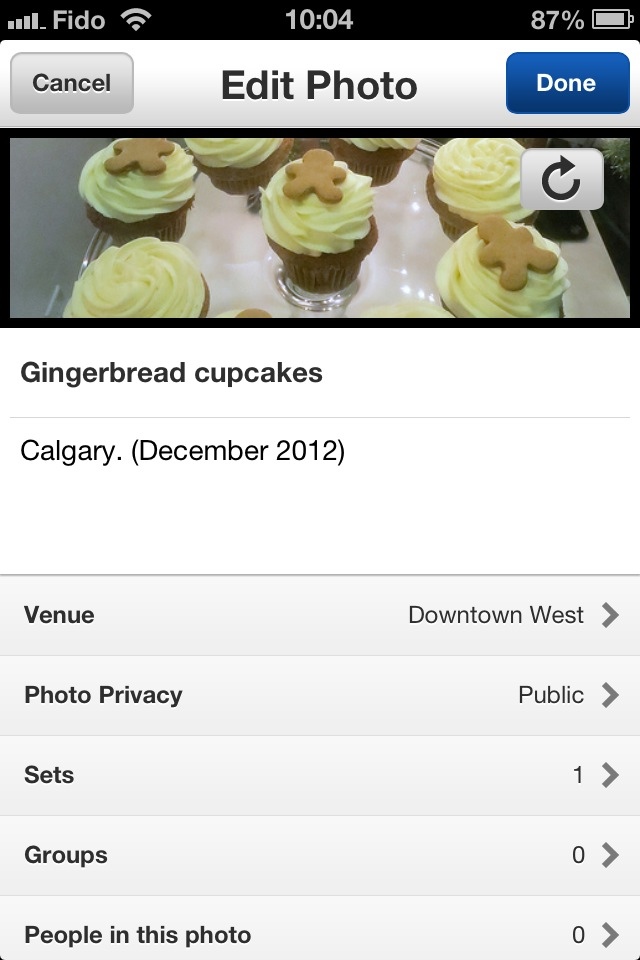
Edit your photos:
Detailed settings for sets and groups before upload:
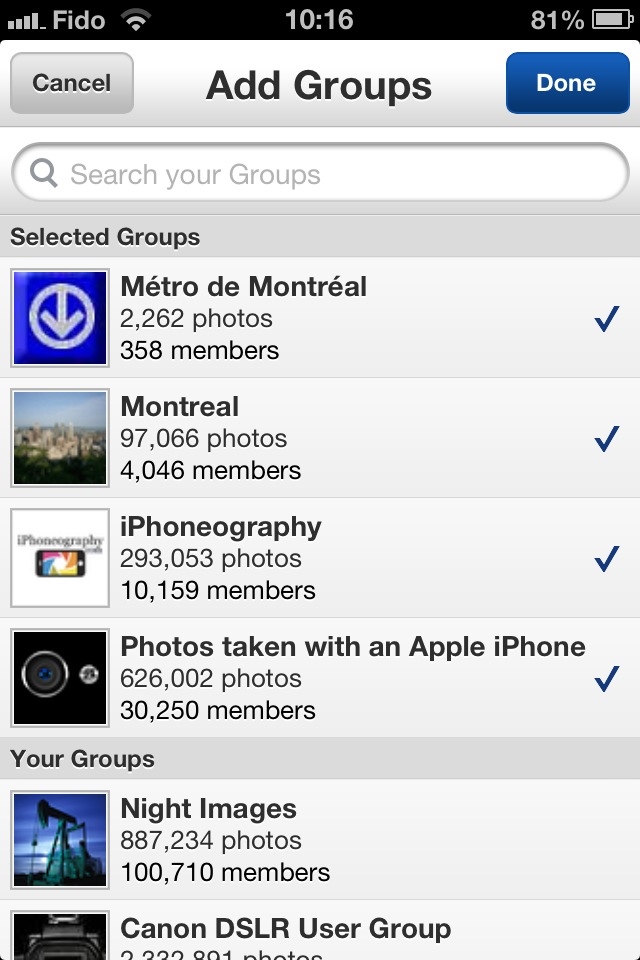
Change your profile details:
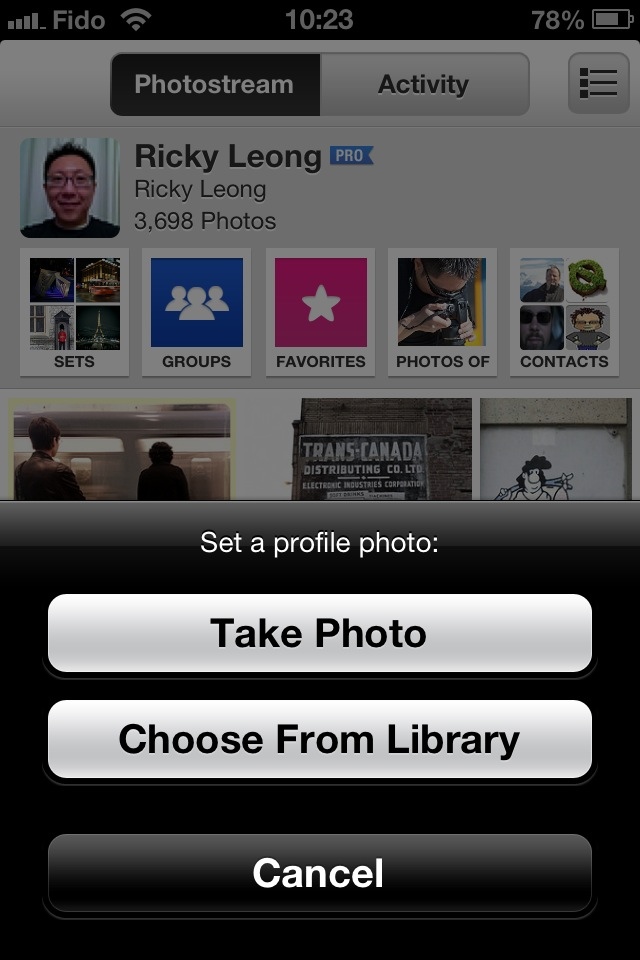
One thing I haven’t tried yet, is batch uploading. I’ll let you know in a future post how well that works compared to the old app.
Now, as for using this app on iPad … it should look just fine on an iPad 2 or an iPad Mini; it’s obviously a bit pixelated but acceptable (to me, anyway) on any iPad with a Retina display. That said, if Yahoo! can successfully transfer this piece of art into an iPad specific app with high-def graphics, that would be grand.
Also … what’s up with this portrait-only business? A landscape-compatible mode would be nice at times.
P.S.: Sorry for polluting your feeds this morning, as I inadvertently uploaded the images in this post as individual posts instead of just adding them my library. Oops!
P.P.S: I seem to be having trouble with the screenshots I tried posting earlier. I’ll restore them later once I’ve figured out what went wrong. It appears we’re back in business. Thanks for your patience!
22 Sunday Jul 2012
Posted in Apple, iPhone, technology
Tags
2G, 3G, apple, cell phone, EDGE, iOS, iPhone, mobile, smartphone, tech
So here’s an update on my post last week about trying to extend my iPhone 4S battery life by switching mostly to 2G (EDGE) instead of using 3G.
On heavy usage, the difference is somewhat noticeable — nothing that blows my mind.
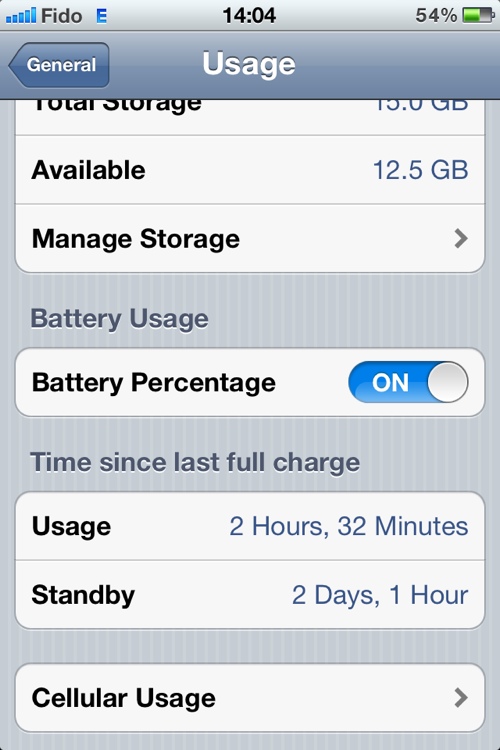
On light usage though, it’s a lot more interesting. As of 2 p.m. today, I’ve had my phone off the mains for a little over two full days and the battery shows 54% capacity remaining.

That’s with very light photography,a few phone calls, a little bit of texting, some Internet radio streaming on my drive to work*, light web browsing using Opera Mobile as my browser.
My screen brightness is set to auto with the slider sitting above the letters gh of the word Brightness in the menu.
No video, a bit of Wi-Fi.
Not too shabby.
(*) On mobile Internet radio streaming, that’s where it shows the most noticeable change in battery usage. On my 15-minute commute to work, it typically drains 5% or 6% using 3G. On 2G, it only drains about 3%. That’s something resembling half the previous usage. Nice.
15 Sunday Jul 2012
Posted in Apple, Internet, iPhone, technology
Tags
3G, apple, cell phone, EDGE, Internet, iOS, iPhone, iPhone 4S, mobile, mobile Internet, smartphone, technology
If you recall several months ago, when the iPhone 4S was new to my tech family, I lamented the loss of the ability to manually switch off 3G Internet and use EDGE (2G) instead.
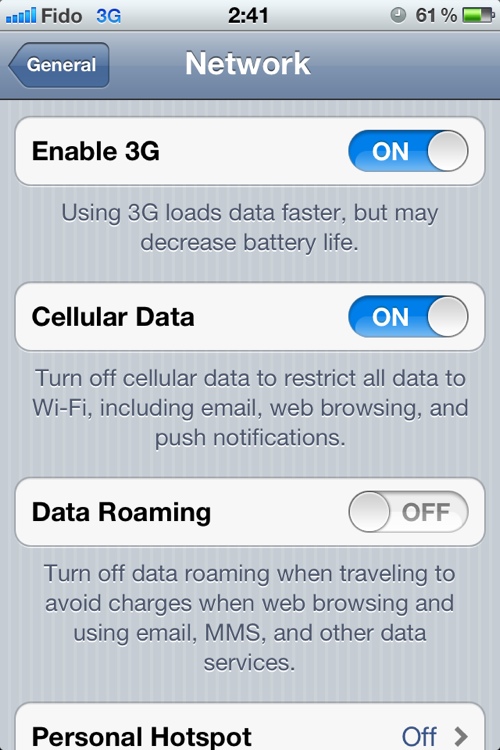
Well in a case of severe catch-up, I’ve finally realized Apple corrected this omission in one of its firmware updates. Behold:
Hooray!
I only discovered this within the last day, so I’ll report back later on whether this change will extend the battery life of my device, as is typically the case when mobiles are connected to EDGE versus 3G.
Another benefit of manually forcing your phone to use the slow lane is that in very congested environments, like Manhattan for example, there is heavy congestion on the popular 3G networks and on local WiFi, to the point where a slow but reliable EDGE connection is more useful and enjoyable than a fast but flaky mobile Internet connection.
(As proof, I can attest I was able to send texts and have crisp, clear phone conversations using Skype over T-Mobile’s 2G network in lower Manhattan last August, whereas AT&T’s 3G network was almost useless at times due to congestion.)
By the way, this post was written on my smartphone and uploaded using EDGE … Seems just dandy, thank you very much.
06 Friday Apr 2012
Posted in Apple, Internet, iPhone, technology
Tags
apple, Fido, iOS, iPhone, mobile Internet, Rogers, smartphone
If you’re having trouble with tethering and Personal Hotspot with your iPhone, don’t forget to check with your carrier.

I noticed recently that my iPhone was no longer passing data to my devices with the Personal Hotspot function turned on.
I am subscribed to a data plan that allows for such activity and this function performed normally until the last few weeks.
After doing some online research, I tried some of the suggested tricks, including a network setting reset, to no avail.
At this point, I figured it was worth a call to Fido customer service.
The first agent confirmed to me I had a data plan that supports tethering and Personal Hotspot. He suggested there was some kind of firmware/software problem with my phone. He told me to check my OS version and to do a hard reboot of my phone before hanging up.
I was skeptical but I tried anyway. It turns out my apprehension was correct, as this did nothing to fix my problem.
I made another call to customer service. This time, I asked for the agent to make sure tethering was actually activated on my account. Lo and behold … it was not, although it should have been. The agent cheerfully rearranged my account details and voila! Tethering and Personal Hotspot were back in business.
08 Thursday Mar 2012
Posted in Apple, iPhone, technology
Tags
apple, iOS, iOS 5.1, iPhone, safari, smartphone, technology
A question for fellow iPhone users out there:
After upgrading to iOS 5.1, I appear to have lost the ability to swipe pages back and forward while in Safari. The only way to do that now is with the specified buttons in the lower toolbar.
Is anyone else experiencing this?